
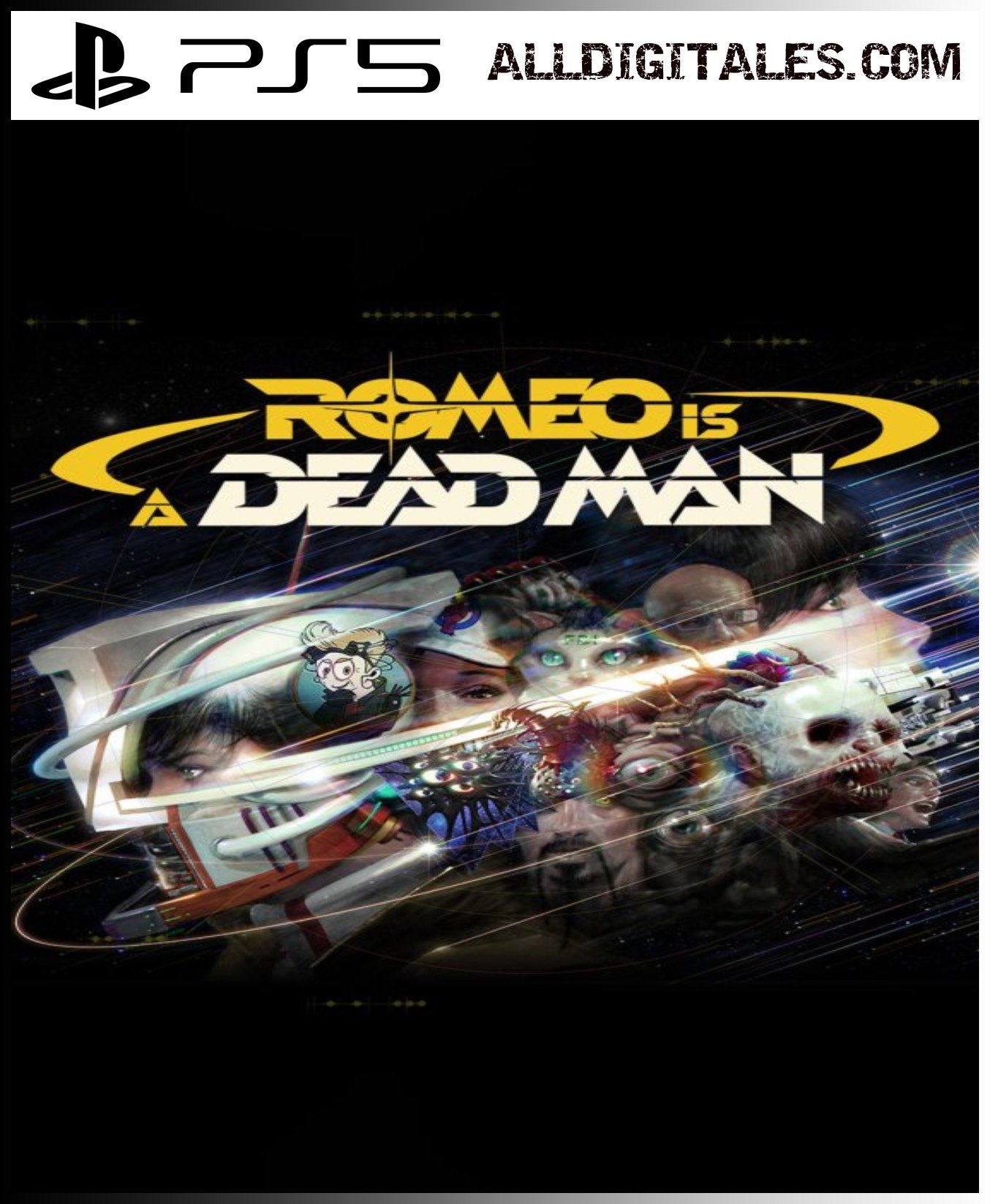
ROMEO IS A DEAD MAN PS5

From 20,00

⚔️ Romeo is a Dead Man PS5 Digital – 100% Legal

Immerse yourself in an intense and suspenseful adventure with Romeo is a Dead Man for PS5. Explore a dark and dangerous world, make story-changing decisions, and face enemies that will test your wit and reflexes.

Enjoy strategic combat, stealth, exploration, and puzzle-solving, all with enhanced graphics, 3D sound, and optimized loading times. The digital version 100% legal It allows you to play instantly, without restrictions or waiting.

Buy your digital copy today and experience a unique narrative and action-packed adventure where every decision counts.

Recommended
💡 For a perfect setup: Make sure you choose your preferred account type. You'll receive access automatically and instantly.
Earn 16 points. This is equivalent to 1,07
🛡️ Lifetime warranty anti-padlock.
🛠️ Ongoing technical support including.
SKU N/A Categories , Tags , ,

The most brutal and stylized action returns with Romeo Is a Dead Man PS5 digital, An intense adventure packed with frenetic combat, a dark narrative, and stunning art. In this installment, players will be immersed in a bloody story full of unexpected twists, ruthless enemies, and dynamic mechanics that will test their reflexes and strategy.

📅 Release date: 2026

🎙️ Voices: English

🌐 Screen languages: German, Chinese (Simplified), Chinese (Traditional), Korean, Spanish, French (France), English, Italian, Japanese, Portuguese (Brazil)

💳 Buy 100% legally and securely
Make your purchase with Link or card and receive your digital game instantly and hassle-free. All content is ready to play without restrictions.

Immediate delivery
As soon as you complete your purchase, you will receive your digital game to download and start playing instantly.

🔥 Get ready for action
Don't wait any longer: face deadly enemies, uncover the secrets of its dark history, and experience an adrenaline-fueled thrill ride with Romeo Is a Dead Man. The new benchmark for intense action is just a click away.

«"🎮 Stay up to date with the latest PS5 news at PlayStation and choose Alldigitales for digital games at the best and most affordable prices. ✅

🟦 PLAYSTATION 5 INSTALLATION GUIDES
➔ Main Account Tutorial (Play from your profile) +
  1. Add a new user to your console (Add user > Get started). Log in manually with the received data.
  2. If it asks for a verification code (2FA), request it in our chat. tawk.to or Telegram.
  3. ⚠️ VERY IMPORTANT: When the system asks you about "Console Sharing and Offline Game Sharing", select ENABLE. (If it doesn't ask you, enable it yourself in Settings > Users and Accounts > Other).
  4. Go to the Games Library, start the game download, log out, and Go back to YOUR personal profile to play for life.
➔ Secondary Account Tutorial (Play from the provided profile) +
  1. Add a new user to your console (Add user > Get started) and log in with the email and password provided.
  2. ⚠️ VERY IMPORTANT: When the system asks you about "Console Sharing and Offline Game Sharing," select DO NOT ENABLE or DEACTIVATE. The account must remain as secondary.
  3. Go to the Game Library and start downloading the purchased game.
  4. To play: You must always log in to this new profile and have an internet connection. You will play and accumulate your trophies and saved games within this exclusive profile.
🟩 XBOX SERIES X/S INSTALLATION GUIDES
➔ Main Account Tutorial (Play from your profile) +
  1. Press the Xbox button on the controller, go to the tab on the right and select Add new. Enter the assigned data.
  2. In the login security settings, select the option «"Without barriers"».
  3. ⚠️ VERY IMPORTANT: Go to Settings > General > Personalization > My Home Xbox and select "Make this my home Xbox".
  4. Start downloading the game from your library, log out of your account, and Open your usual profile to start playing.
➔ Secondary Account Tutorial (Gameplay Method) +
  1. Press the Xbox button on the controller, go to the right, and click on Add new to enter the data we sent you.
  2. In the profile security settings, select the option «"Without barriers"».
  3. ⚠️ VERY IMPORTANT: Make sure this account is NOT active as your primary Xbox (Settings > General > Personalization > My primary Xbox).
  4. Download the game completely. **To play:** Log in with the game account we gave you, and without logging out, switch to your usual personal account. You can now play and save your progress as normal.
🟥 NINTENDO SWITCH INSTALLATION GUIDES
➔ Main Account Tutorial (Play offline and from your profile) +
  1. Go to Console Settings > User Profile > Register a User > Create a New User and link the Nintendo account we sent you.
  2. Log in to the Nintendo eShop using this newly created user account. Tap your avatar in the upper right corner, then go to Download again and click on the game cloud.
  3. Once the installation is complete, go to your Switch's main menu and open the game by selecting **YOUR personal user**. You don't need internet access to play.
  4. ⚠️ NOTE: Never delete the newly created user from the console; it is the one that validates the user license.
➔ Secondary Account Tutorial (Play online from the new profile) +
  1. Go to Console Settings > User Profile > Register a user and link the received data.
  2. Access the Nintendo eShop by selecting the game user. Click on the avatar in the upper right corner, then go to the section for Download again and download your title.
  3. ⚠️ USAGE REQUIREMENTS: To start and play this video game, you must always select the NEW profile provided and have the console permanently connected to the internet for license verification.