

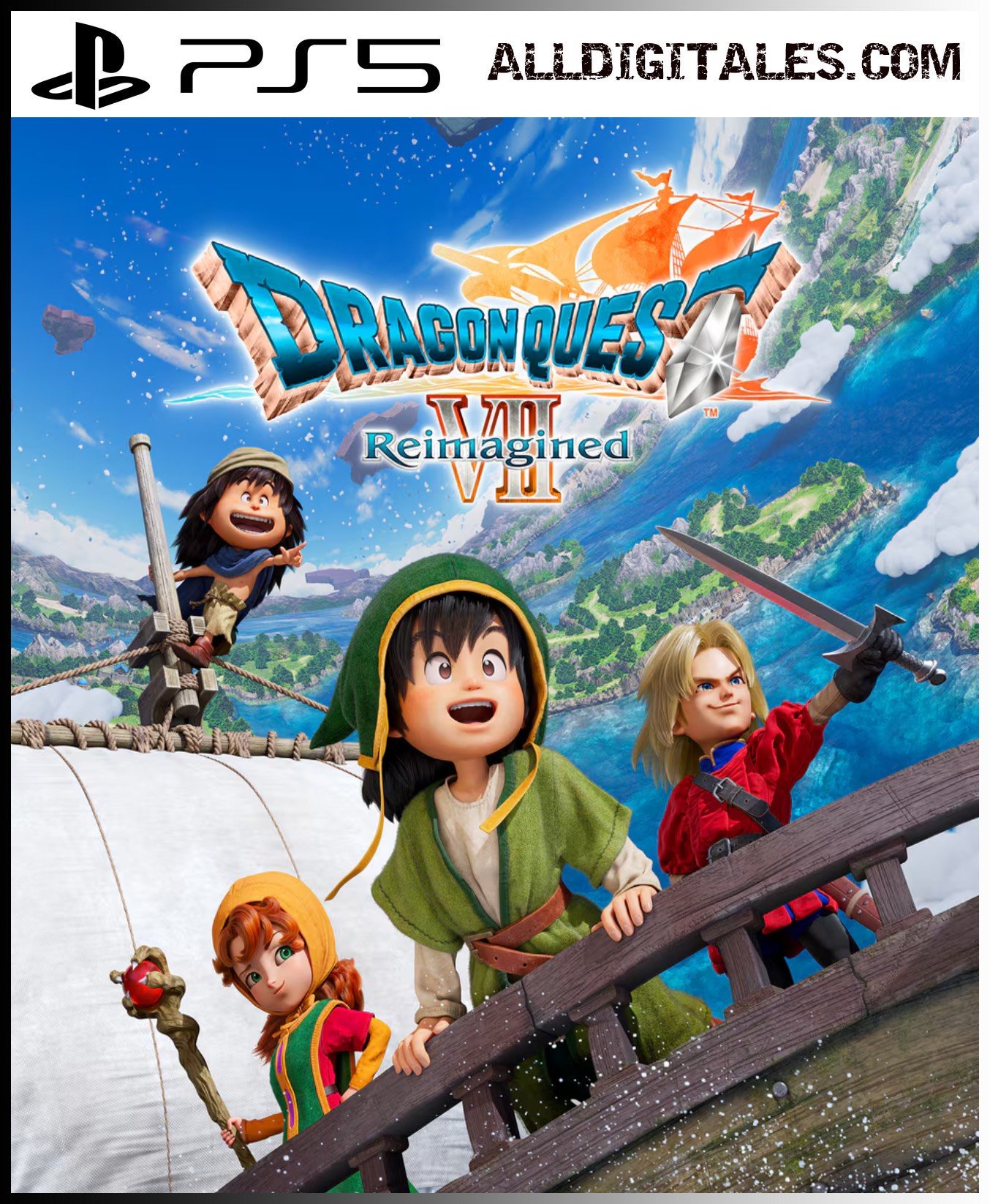
DRAGON QUEST VII Reimagined PS5

From 28,00

⚔️ DRAGON QUEST VII Reimagined PS5 digital – Compra 100% Legal

La legendaria aventura de rol regresa con DRAGON QUEST VII Reimagined, ofreciendo exploración épica, combates tácticos y una historia inolvidable reinventada para la nueva generación. Compra digital 100% legal, entrega inmediata y juega al instante. Disponible para PS5, sin candados ni restricciones.

Recommended
💡 For a perfect setup: Make sure you choose your preferred account type. You'll receive access automatically and instantly.
Earn 19 points. This is equivalent to 1,27
🛡️ Lifetime warranty anti-padlock.
🛠️ Ongoing technical support including.
SKU N/A Category Tags ,

The aventura clásica de rol regresa reinventada with DRAGON QUEST VII Reimagined, un remake espectacular lleno de exploración, combates tácticos, historia épica y un estilo visual único que mezcla nostalgia con modernización para los jugadores de hoy.

📅 Release date: 5 de febrero de 2026 (Steam el 6 de febrero)

🎮 Platforms: PS5, Nintendo Switch, Nintendo Switch 2, Xbox Series X|S y PC (Steam y Microsoft Store)

🌐 Idiomas de pantalla y apoyo:
El juego cuenta con soporte de múltiples idiomas en interfaz y subtítulos, incluidos inglés, español (España), francés, italiano, alemán y más (al menos 10 idiomas).

💳 Buy 100% legally and securely
Realiza tu compra con enlace o tarjeta y recibe tu juego digital de forma instantánea y sin complicaciones. Olvídate de candados o restricciones: todo el contenido estará listo para jugar desde tu PS5. (Basado en disponibilidad estándar de juegos digitales.)

Immediate delivery
Tan pronto completes tu compra, recibirás tu juego digital para descargar y comenzar tu aventura al instante.

🔥 Prepárate para una odisea inolvidable
No esperes más: explora islas misteriosas, domina un sistema de combate profundo y revive una historia legendaria reinventada para una nueva generación. The adventure across time and seas awaits!

📖 Discover our game analysis here

«"🎮 Stay up to date with the latest PS5 news at PlayStation and choose Alldigitales for digital games at the best and most affordable prices. ✅

🟦 PLAYSTATION 5 INSTALLATION GUIDES
➔ Main Account Tutorial (Play from your profile) +
  1. Add a new user to your console (Add user > Get started). Log in manually with the received data.
  2. If it asks for a verification code (2FA), request it in our chat. tawk.to or Telegram.
  3. ⚠️ VERY IMPORTANT: When the system asks you about "Console Sharing and Offline Game Sharing", select ENABLE. (If it doesn't ask you, enable it yourself in Settings > Users and Accounts > Other).
  4. Go to the Games Library, start the game download, log out, and Go back to YOUR personal profile to play for life.
➔ Secondary Account Tutorial (Play from the provided profile) +
  1. Add a new user to your console (Add user > Get started) and log in with the email and password provided.
  2. ⚠️ VERY IMPORTANT: When the system asks you about "Console Sharing and Offline Game Sharing," select DO NOT ENABLE or DEACTIVATE. The account must remain as secondary.
  3. Go to the Game Library and start downloading the purchased game.
  4. To play: You must always log in to this new profile and have an internet connection. You will play and accumulate your trophies and saved games within this exclusive profile.
🟩 XBOX SERIES X/S INSTALLATION GUIDES
➔ Main Account Tutorial (Play from your profile) +
  1. Press the Xbox button on the controller, go to the tab on the right and select Add new. Enter the assigned data.
  2. In the login security settings, select the option «"Without barriers"».
  3. ⚠️ VERY IMPORTANT: Go to Settings > General > Personalization > My Home Xbox and select "Make this my home Xbox".
  4. Start downloading the game from your library, log out of your account, and Open your usual profile to start playing.
➔ Secondary Account Tutorial (Gameplay Method) +
  1. Press the Xbox button on the controller, go to the right, and click on Add new to enter the data we sent you.
  2. In the profile security settings, select the option «"Without barriers"».
  3. ⚠️ VERY IMPORTANT: Make sure this account is NOT active as your primary Xbox (Settings > General > Personalization > My primary Xbox).
  4. Download the game completely. **To play:** Log in with the game account we gave you, and without logging out, switch to your usual personal account. You can now play and save your progress as normal.
🟥 NINTENDO SWITCH INSTALLATION GUIDES
➔ Main Account Tutorial (Play offline and from your profile) +
  1. Go to Console Settings > User Profile > Register a User > Create a New User and link the Nintendo account we sent you.
  2. Log in to the Nintendo eShop using this newly created user account. Tap your avatar in the upper right corner, then go to Download again and click on the game cloud.
  3. Once the installation is complete, go to your Switch's main menu and open the game by selecting **YOUR personal user**. You don't need internet access to play.
  4. ⚠️ NOTE: Never delete the newly created user from the console; it is the one that validates the user license.
➔ Secondary Account Tutorial (Play online from the new profile) +
  1. Go to Console Settings > User Profile > Register a user and link the received data.
  2. Access the Nintendo eShop by selecting the game user. Click on the avatar in the upper right corner, then go to the section for Download again and download your title.
  3. ⚠️ USAGE REQUIREMENTS: To start and play this video game, you must always select the NEW profile provided and have the console permanently connected to the internet for license verification.