
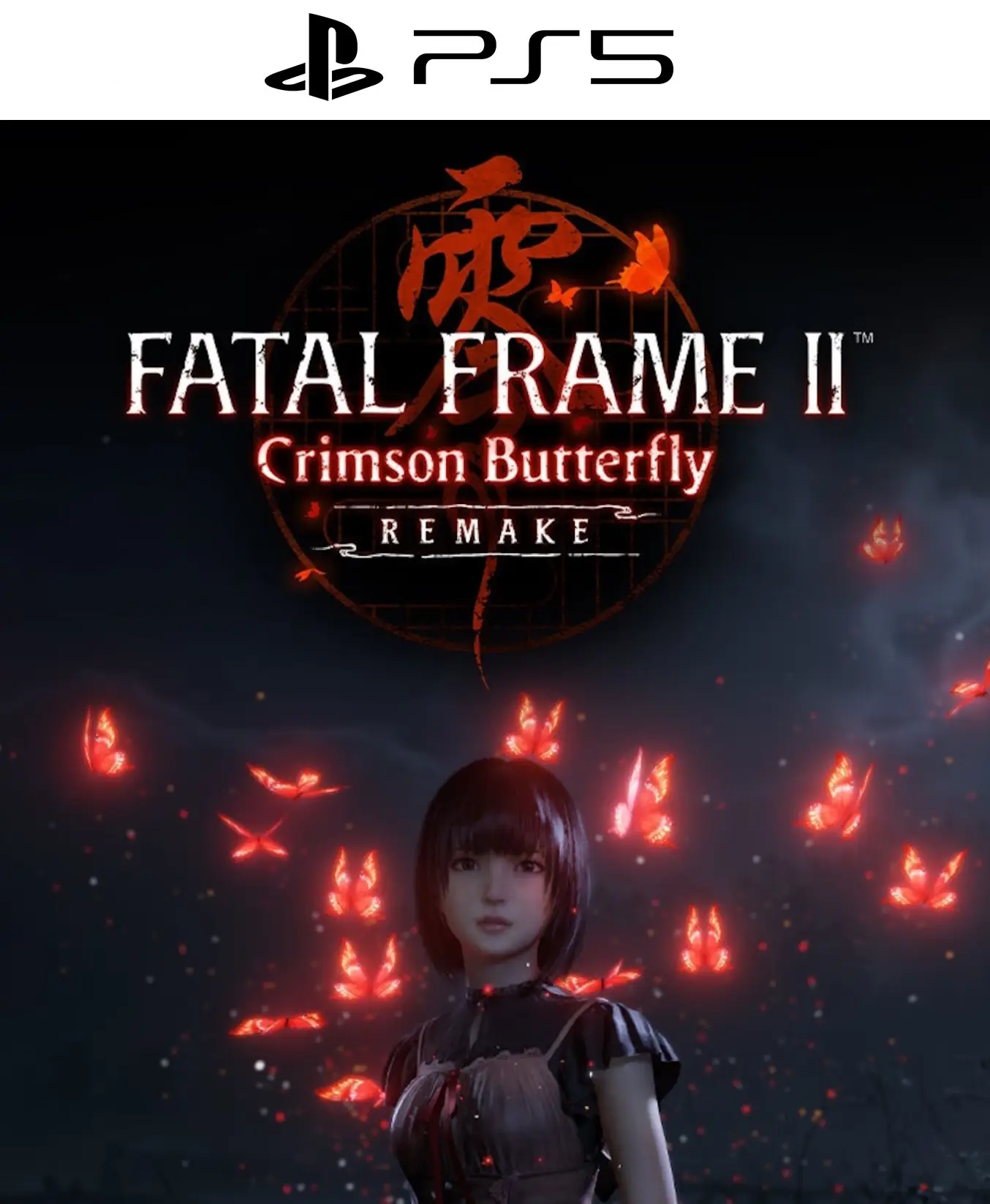
FATAL FRAME II: Crimson Butterfly REMAKE PS5

From 22,00

Immerse yourself in the definitive version of Japanese survival horror. In this ground-up remake of the legendary FATAL FRAME II, You will guide the Amakura sisters through a cursed village where your only defense is a camera. With 4K graphics, 3D surround sound, and a suffocating atmosphere, prepare for the most personal and terrifying horror experience of the new generation. Get your digital code today and receive it instantly!

Recommended
💡 For a perfect setup: Make sure you choose your preferred account type. You'll receive access automatically and instantly.
Earn 16 points. This is equivalent to 1,07
🛡️ Lifetime warranty anti-padlock.
🛠️ Ongoing technical support including.
     

Survive the ancient terror in Minakami with FATAL FRAME II: Crimson Butterfly Digital REMAKE

The most iconic nightmare of Koei Tecmo reborn with FATAL FRAME II: Crimson Butterfly REMAKE, A psychological horror experience where atmosphere, Japanese folklore, and vulnerability merge in a cult classic reimagined from the ground up. Join twins Mio and Mayu Amakura as they enter the "Lost Village" and discover why this journey into the abyss is considered the pinnacle of the genre.
  • 📅 Release date: 12/03/2026
  • 🎮 Platforms: PS5, Xbox Series X|S, PC (Steam), Nintendo Switch 2

🦋 The return of a classic: Atmospheric horror in 4K

Explore the haunting village of Minakami, now recreated with a photorealistic level of detail that intensifies every shadow. FATAL FRAME II, You don't just face tormented spirits; you're immersed in a tragic narrative of forbidden sacrifices and unbreakable bonds. Dynamic lighting and immersive 3D sound will make you feel every whisper on the back of your neck.

📸 Tension through the viewfinder: The Camera Obscura

Unlike conventional shooters, here your only defense is an ancient relic. You must master the Camera Obscura to capture and exorcise the souls that lurk in the darkness.
  • Proximity Combat: The closer the spectrum is, the more damage your reel will inflict, but the greater the risk.
  • "Fatal Frame" moments: Find the precise moment of the enemy's vulnerability to unleash devastating chain shots.
  • Special Lenses: Unlock camera features to slow down, freeze, or reveal hidden secrets in the environment.

🕯️ Exploration and Puzzles in a Cursed World

Discover the dark rituals of the Kurosawa family through an improved exploration system:
  • Twin Mechanics: Guide Mayu through gloomy corridors, protecting her from apparitions as she interacts with the environment intuitively.
  • Chamber Progression: Upgrade your gear with spirit gems to increase power, range, and reload speed.
  • Multiple Endings: Your decisions and your ability to uncover secrets will determine the sisters' fate on this fateful night.
🌐 Available languages: Japanese (original voices), English, Spanish, French, German.

💳 Buy 100% legally and securely

Get your code for FATAL FRAME II: Crimson Butterfly REMAKE immediately. We guarantee unrestricted global activation and technical support to ensure your return to the Lost Village is seamless.

⚡ Immediate delivery

Buy now and receive your digital access in your inbox instantly. Don't let the crimson butterflies escape and immerse yourself in the most emotionally charged horror story in video games. 🔥 Load your film, hold your breath, and don't look back. In Minakami, the past never truly dies. Will you break the cycle of sacrifice? 📖 Discover our in-depth analysis of the game here.🎮 Stay up to date with the latest horror news at PlayStation and choose alldigitales For digital games at the best and most affordable prices. ✅
 
🟦 PLAYSTATION 5 INSTALLATION GUIDES
➔ Main Account Tutorial (Play from your profile) +
  1. Add a new user to your console (Add user > Get started). Log in manually with the received data.
  2. If it asks for a verification code (2FA), request it in our chat. tawk.to or Telegram.
  3. ⚠️ VERY IMPORTANT: When the system asks you about "Console Sharing and Offline Game Sharing", select ENABLE. (If it doesn't ask you, enable it yourself in Settings > Users and Accounts > Other).
  4. Go to the Games Library, start the game download, log out, and Go back to YOUR personal profile to play for life.
➔ Secondary Account Tutorial (Play from the provided profile) +
  1. Add a new user to your console (Add user > Get started) and log in with the email and password provided.
  2. ⚠️ VERY IMPORTANT: When the system asks you about "Console Sharing and Offline Game Sharing," select DO NOT ENABLE or DEACTIVATE. The account must remain as secondary.
  3. Go to the Game Library and start downloading the purchased game.
  4. To play: You must always log in to this new profile and have an internet connection. You will play and accumulate your trophies and saved games within this exclusive profile.
🟩 XBOX SERIES X/S INSTALLATION GUIDES
➔ Main Account Tutorial (Play from your profile) +
  1. Press the Xbox button on the controller, go to the tab on the right and select Add new. Enter the assigned data.
  2. In the login security settings, select the option «"Without barriers"».
  3. ⚠️ VERY IMPORTANT: Go to Settings > General > Personalization > My Home Xbox and select "Make this my home Xbox".
  4. Start downloading the game from your library, log out of your account, and Open your usual profile to start playing.
➔ Secondary Account Tutorial (Gameplay Method) +
  1. Press the Xbox button on the controller, go to the right, and click on Add new to enter the data we sent you.
  2. In the profile security settings, select the option «"Without barriers"».
  3. ⚠️ VERY IMPORTANT: Make sure this account is NOT active as your primary Xbox (Settings > General > Personalization > My primary Xbox).
  4. Download the game completely. **To play:** Log in with the game account we gave you, and without logging out, switch to your usual personal account. You can now play and save your progress as normal.
🟥 NINTENDO SWITCH INSTALLATION GUIDES
➔ Main Account Tutorial (Play offline and from your profile) +
  1. Go to Console Settings > User Profile > Register a User > Create a New User and link the Nintendo account we sent you.
  2. Log in to the Nintendo eShop using this newly created user account. Tap your avatar in the upper right corner, then go to Download again and click on the game cloud.
  3. Once the installation is complete, go to your Switch's main menu and open the game by selecting **YOUR personal user**. You don't need internet access to play.
  4. ⚠️ NOTE: Never delete the newly created user from the console; it is the one that validates the user license.
➔ Secondary Account Tutorial (Play online from the new profile) +
  1. Go to Console Settings > User Profile > Register a user and link the received data.
  2. Access the Nintendo eShop by selecting the game user. Click on the avatar in the upper right corner, then go to the section for Download again and download your title.
  3. ⚠️ USAGE REQUIREMENTS: To start and play this video game, you must always select the NEW profile provided and have the console permanently connected to the internet for license verification.