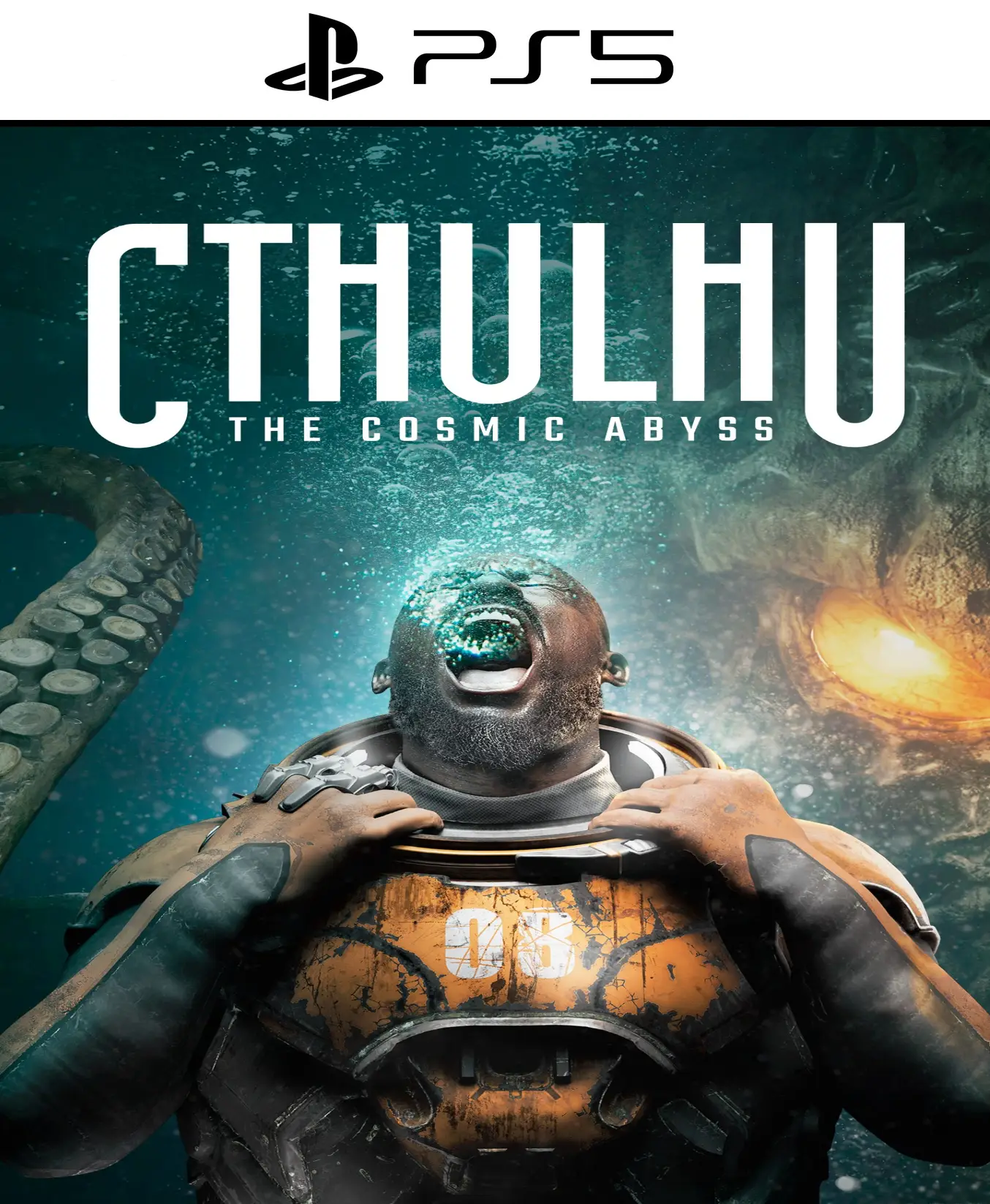
Cthulhu: The Cosmic Abyss PS5

From 22,00

Descend into madness in 4K. Confront the primal horrors of Cthulhu: The Cosmic Abyss on PS5 for PlayStation 5. A psychological horror experience with ultra-fast load times and an oppressive atmosphere that takes full advantage of the DualSense haptic feedback. Can you survive the awakening of the Ancient Ones?

Recommended
💡 For a perfect setup: Make sure you choose your preferred account type. You'll receive access automatically and instantly.
Earn 16 points. This is equivalent to 1,07
🛡️ Lifetime warranty anti-padlock.
🛠️ Ongoing technical support including.
SKU N/A Category Tags , ,

Explore cosmic horror in Cthulhu: The Cosmic Abyss for PS5

Immerse yourself in the definitive interpretation of HP Lovecraft's myths with Cthulhu: The Cosmic Abyss. Designed exclusively to harness the power of the PS5, This title redefines the survival horror genre with a branching narrative where every decision affects your sanity level.

  • Platform: PlayStation 5

  • Release date: April 16, 2026

  • Editor: NACON SA

  • Gender: Cosmic Horror / Survival

Main Features:

  • Total Immersion with DualSense: Feel your character's heartbeat and the resistance of the triggers as they try to escape the clutches of the unknown.

  • Next Generation Graphics: Dynamic shadows and ray tracing bring submerged cities and fractured dimensions to life.

  • Tempest 3D Audio: Identify the source of whispers in the dark with absolute sonic accuracy.

  • Sanity Management: A complex system where the perception of the environment changes according to your mental health, unlocking secret routes or visual nightmares.

Why buy Cthulhu: The Cosmic Abyss for PS5?

If you're a fan of games like Bloodborne o The Call of Cthulhu, This installment offers a level of technical achievement never before seen. It's not just an action game; it's a cinematic descent into the abyss that will test your nerves and your intellect.


💳 Buy 100% legally and securely

Get your code for Cthulhu: The Cosmic Abyss on PS5 instantly and securely. We guarantee region-free activation and dedicated technical support to ensure a seamless experience.

⚡ Immediate Delivery

Buy now and receive access to Cthulhu: The Cosmic Abyss for PS5 directly to your email. Don't wait any longer to discover the truth behind the most anticipated reunion in video games.

🔥 Take the picture, rewind time, and accept the consequences. In Cthulhu: The Cosmic Abyss on PS5, fate is in your hands. What will you sacrifice this time?

📖 Read our full review of Cthulhu: The Cosmic Abyss PS5 here.

🎮 Find the best deals at PlayStation and choose alldigitales For your most affordable digital games. ✅


🟦 PLAYSTATION 5 INSTALLATION GUIDES
➔ Main Account Tutorial (Play from your profile) +
  1. Add a new user to your console (Add user > Get started). Log in manually with the received data.
  2. If it asks for a verification code (2FA), request it in our chat. tawk.to or Telegram.
  3. ⚠️ VERY IMPORTANT: When the system asks you about "Console Sharing and Offline Game Sharing", select ENABLE. (If it doesn't ask you, enable it yourself in Settings > Users and Accounts > Other).
  4. Go to the Games Library, start the game download, log out, and Go back to YOUR personal profile to play for life.
➔ Secondary Account Tutorial (Play from the provided profile) +
  1. Add a new user to your console (Add user > Get started) and log in with the email and password provided.
  2. ⚠️ VERY IMPORTANT: When the system asks you about "Console Sharing and Offline Game Sharing," select DO NOT ENABLE or DEACTIVATE. The account must remain as secondary.
  3. Go to the Game Library and start downloading the purchased game.
  4. To play: You must always log in to this new profile and have an internet connection. You will play and accumulate your trophies and saved games within this exclusive profile.
🟩 XBOX SERIES X/S INSTALLATION GUIDES
➔ Main Account Tutorial (Play from your profile) +
  1. Press the Xbox button on the controller, go to the tab on the right and select Add new. Enter the assigned data.
  2. In the login security settings, select the option «"Without barriers"».
  3. ⚠️ VERY IMPORTANT: Go to Settings > General > Personalization > My Home Xbox and select "Make this my home Xbox".
  4. Start downloading the game from your library, log out of your account, and Open your usual profile to start playing.
➔ Secondary Account Tutorial (Gameplay Method) +
  1. Press the Xbox button on the controller, go to the right, and click on Add new to enter the data we sent you.
  2. In the profile security settings, select the option «"Without barriers"».
  3. ⚠️ VERY IMPORTANT: Make sure this account is NOT active as your primary Xbox (Settings > General > Personalization > My primary Xbox).
  4. Download the game completely. **To play:** Log in with the game account we gave you, and without logging out, switch to your usual personal account. You can now play and save your progress as normal.
🟥 NINTENDO SWITCH INSTALLATION GUIDES
➔ Main Account Tutorial (Play offline and from your profile) +
  1. Go to Console Settings > User Profile > Register a User > Create a New User and link the Nintendo account we sent you.
  2. Log in to the Nintendo eShop using this newly created user account. Tap your avatar in the upper right corner, then go to Download again and click on the game cloud.
  3. Once the installation is complete, go to your Switch's main menu and open the game by selecting **YOUR personal user**. You don't need internet access to play.
  4. ⚠️ NOTE: Never delete the newly created user from the console; it is the one that validates the user license.
➔ Secondary Account Tutorial (Play online from the new profile) +
  1. Go to Console Settings > User Profile > Register a user and link the received data.
  2. Access the Nintendo eShop by selecting the game user. Click on the avatar in the upper right corner, then go to the section for Download again and download your title.
  3. ⚠️ USAGE REQUIREMENTS: To start and play this video game, you must always select the NEW profile provided and have the console permanently connected to the internet for license verification.